01
Sign up in minutes
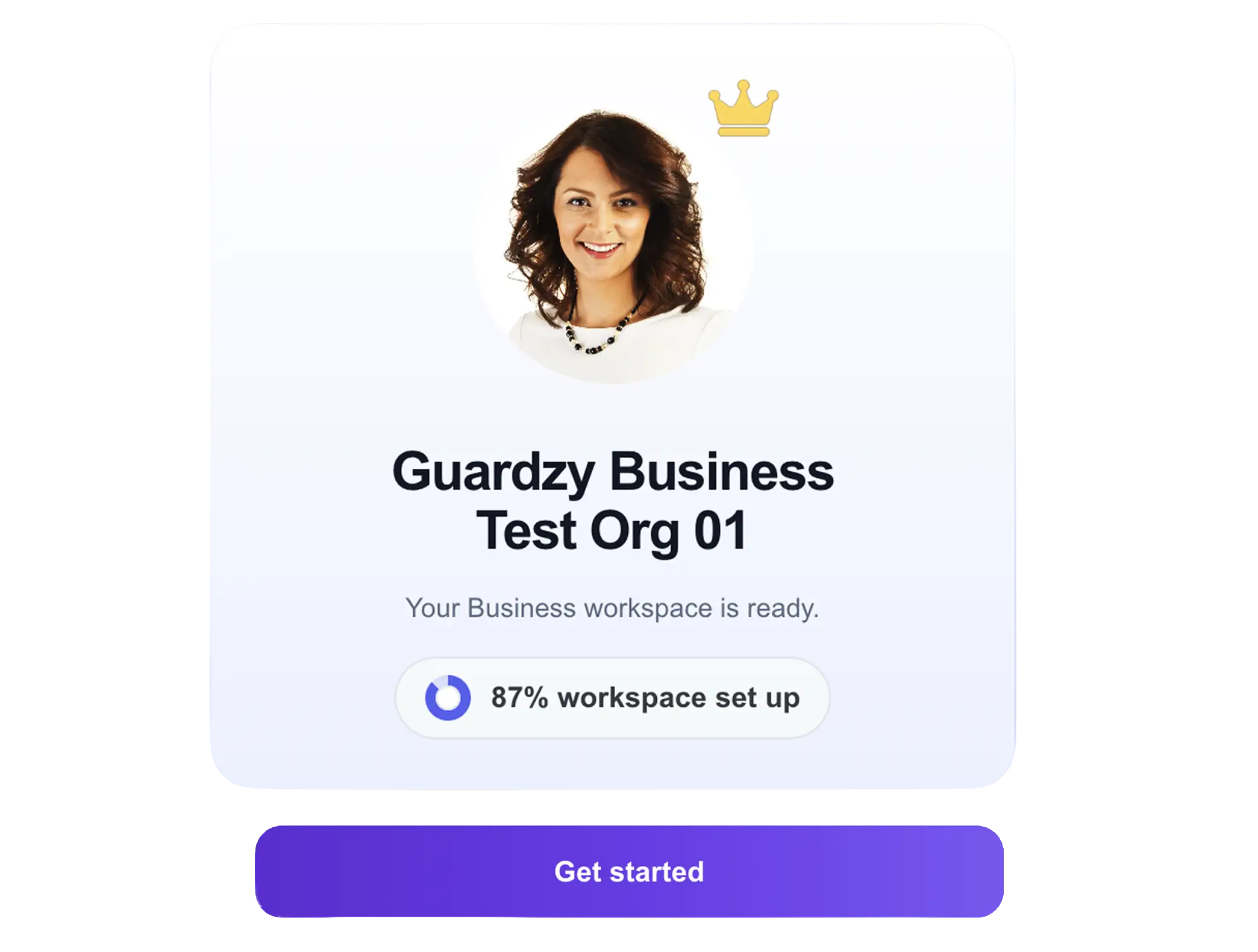
Create your Guardzy workspace. Enter your details and follow the setup prompts to get started.
Everything you need to know about getting started with Guardzy
Create your Guardzy workspace. Enter your details and follow the setup prompts to get started.
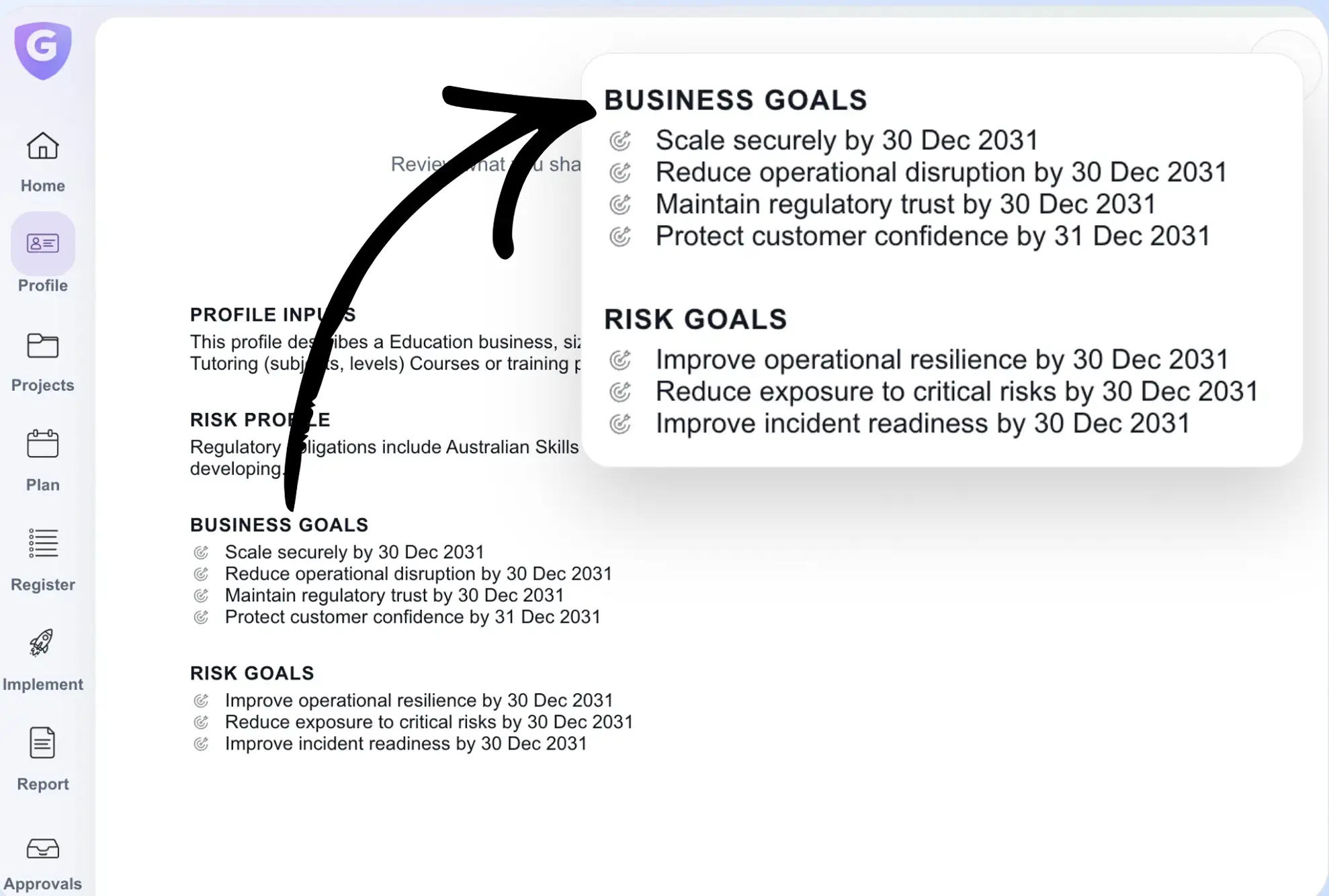
Choose the option that best describes your business. Add any additional details to define your risk profile and business goals.
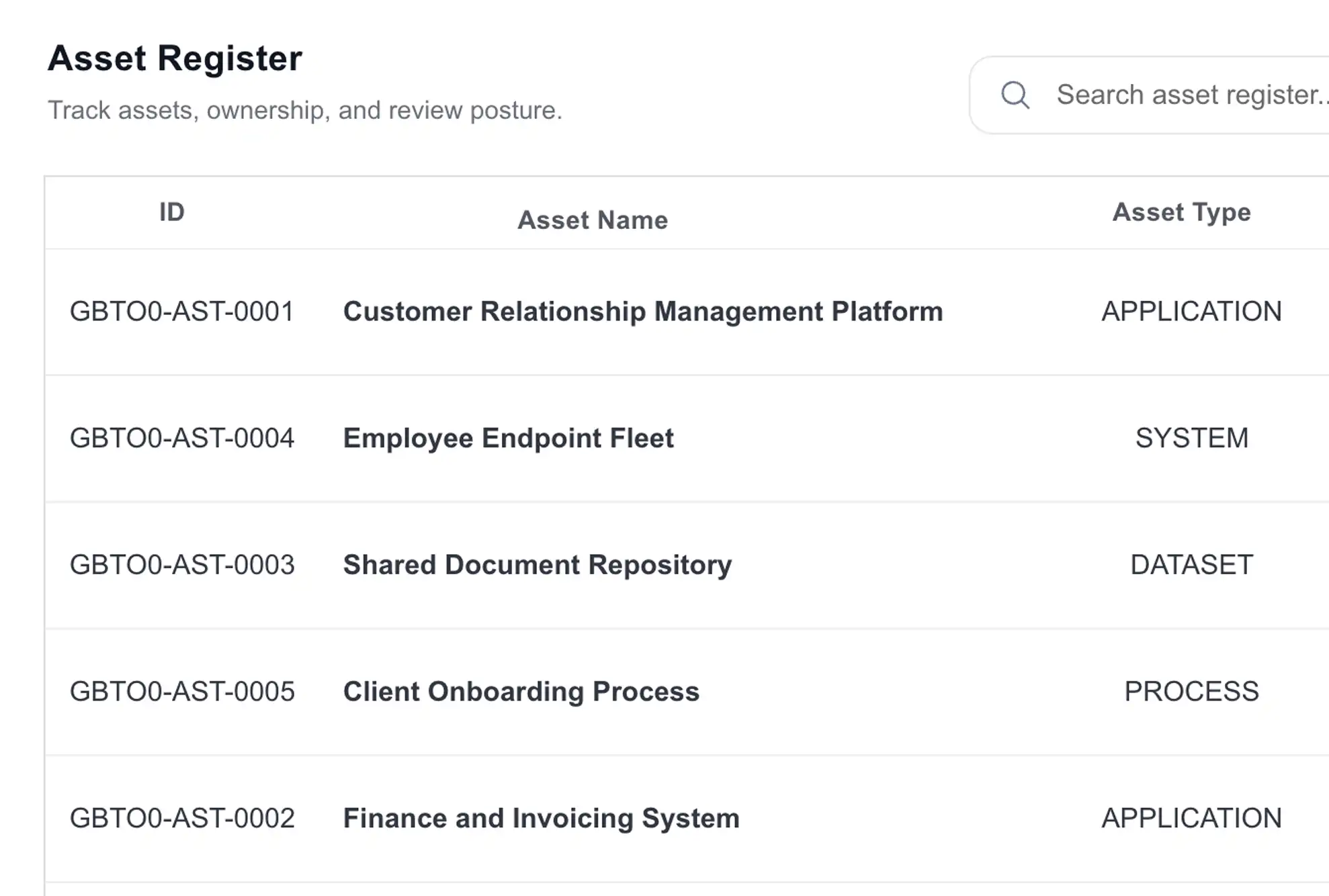
Choose an option to continue. If you know your assets, you can add them directly. If not, Guardzy will help you identify them.
Choose an asset, then enter the risk details. Add the risk title, description, impact, and any supporting evidence.
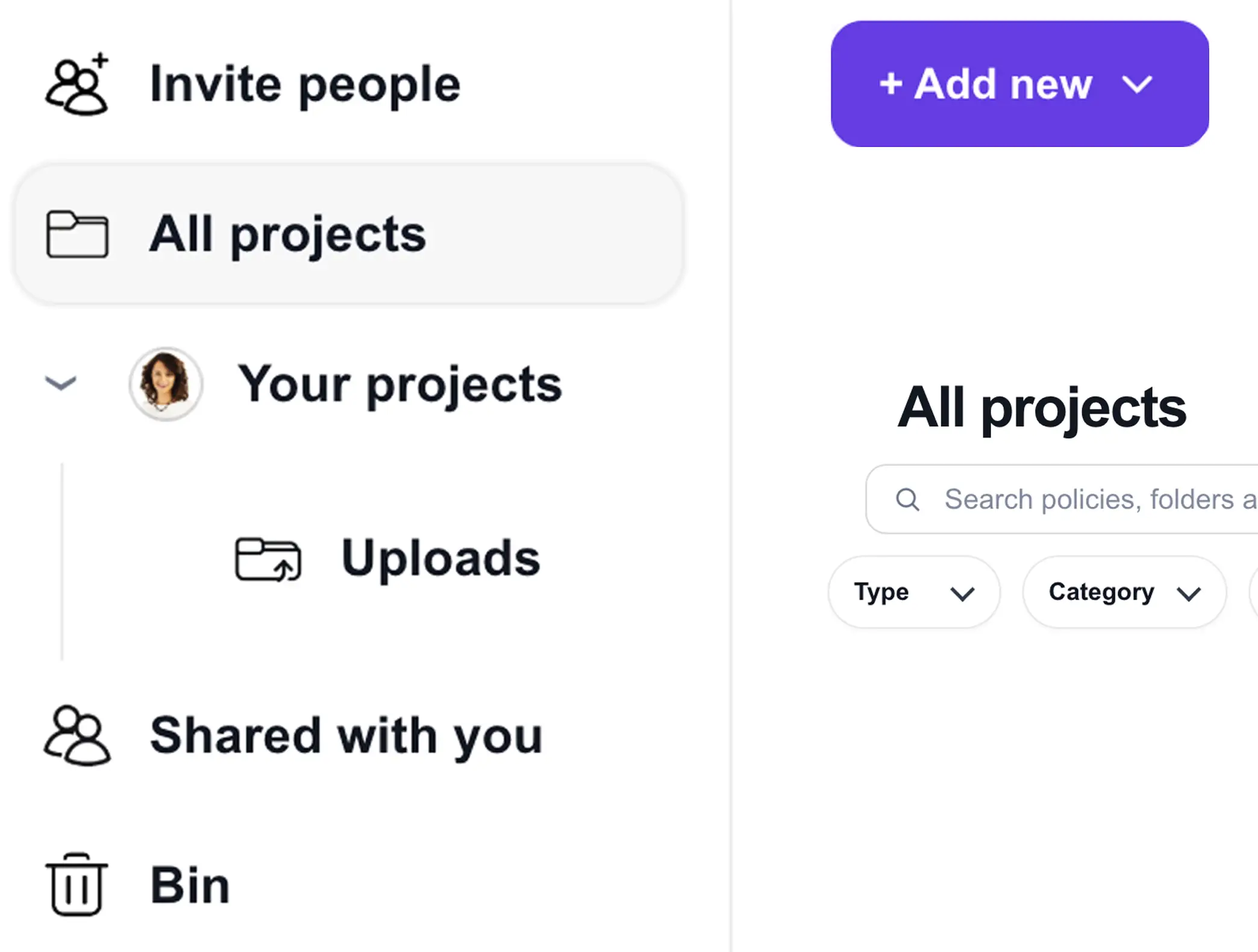
Create a project, then upload your policies, manuals, and compliance documents, or connect a cloud storage provider to import them.
Invite team members to your workspace. Assign roles and start collaborating on risks, controls, and compliance activities.
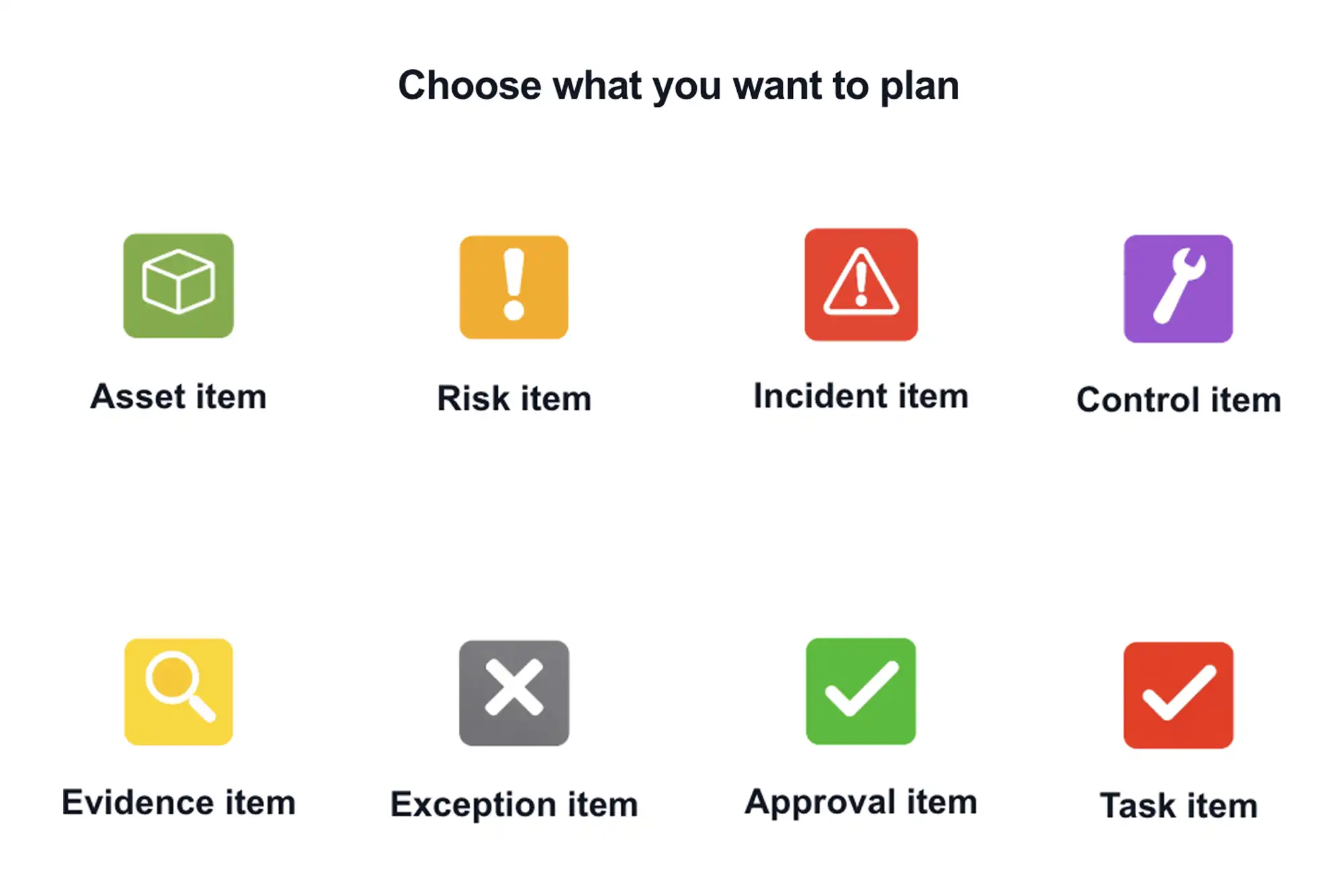
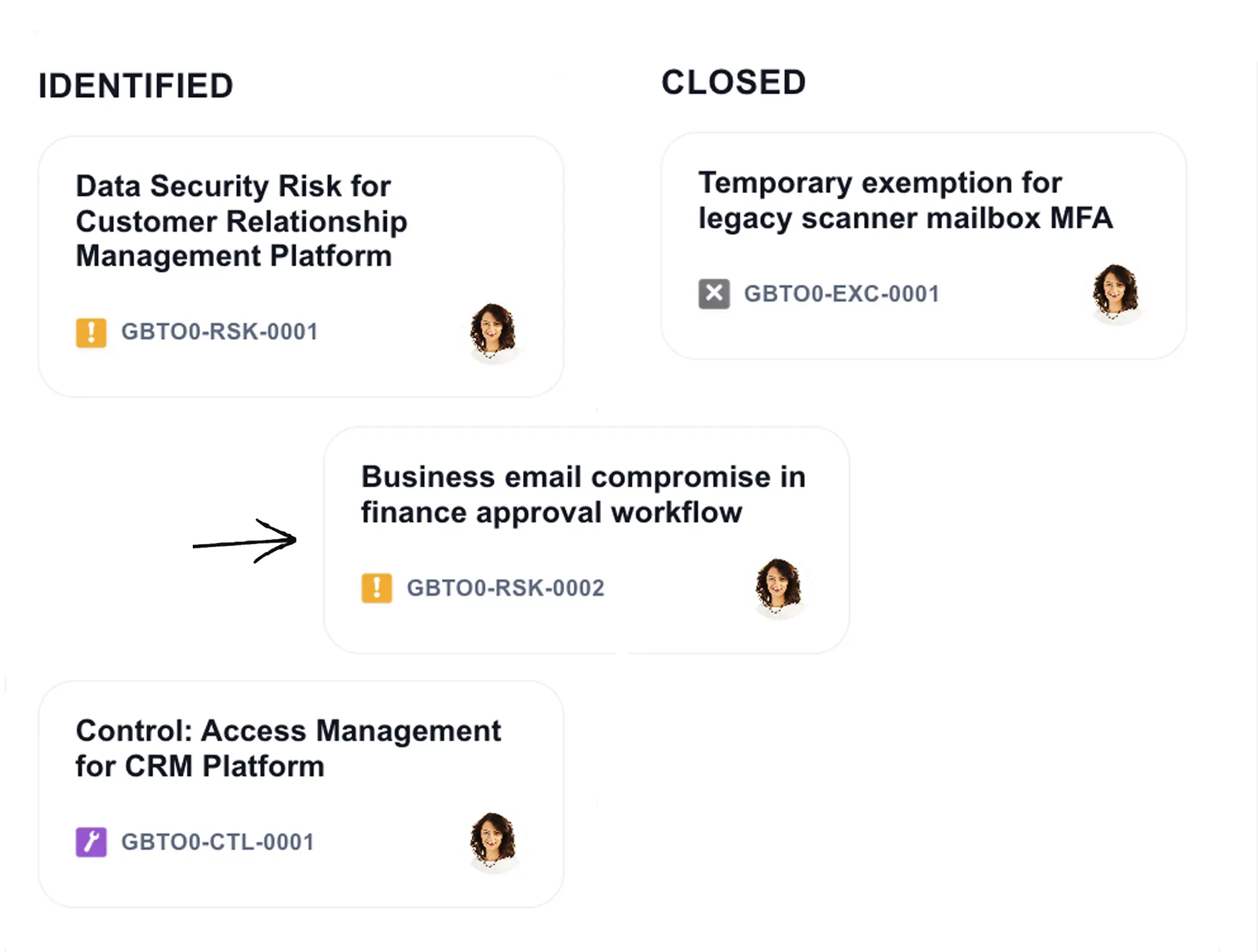
Start managing your work in Guardzy. Use the Board or List view to track risks, controls, and tasks. Move items through stages as they progress. Use Analytics to monitor trends, Goals to align work to outcomes, and the Calendar to manage timelines. Generate reports to support audits and reviews.